The short version
By the end you’ll know whether QGenda still fits your group, and which alternative to shortlist if it doesn’t. In a hurry:
What is QGenda?
QGenda is healthcare workforce management software sold as the ProviderCloud suite: scheduling, credentialing, on-call, room and capacity management, time and attendance, and residency program management.
It has been part of Hearst Health since the acquisition announced in August 2024.
Scheduling is one module in that suite. The rest of this guide covers what a suite doesn’t settle for a physician group: how hard the rules are to change, and what happens to the schedule when the program changes.
Why do groups look for a QGenda alternative?
The groups calling Durate about QGenda say some version of the same thing: “we’re using QGenda as an expensive Excel spreadsheet, and we want a platform that works for us.” Behind that line is assembly work: the callers describe a scheduler who has taken back nearly every step and is joining many pieces by hand to make the schedule functional. That is static scheduling.
The rules sit behind the vendor. QGenda’s own published approach is services-led: its implementation consultants configure the rules and workflows, and its technical account managers maintain and optimize the configuration after go-live.
In practice the rules are hard to adjust yourselves, and in the groups Durate has moved off QGenda, changes were slow to land and the generation didn’t run fully on its own.
The rest is structural. QGenda is a suite, with a certified Workday integration and modules a physician group may never use.
An organization whose hard problem is credentialing or capacity rather than the schedule has a reason to stay. Physician groups whose hard problem is the schedule are the ones who call.
Which alternatives fit right now?
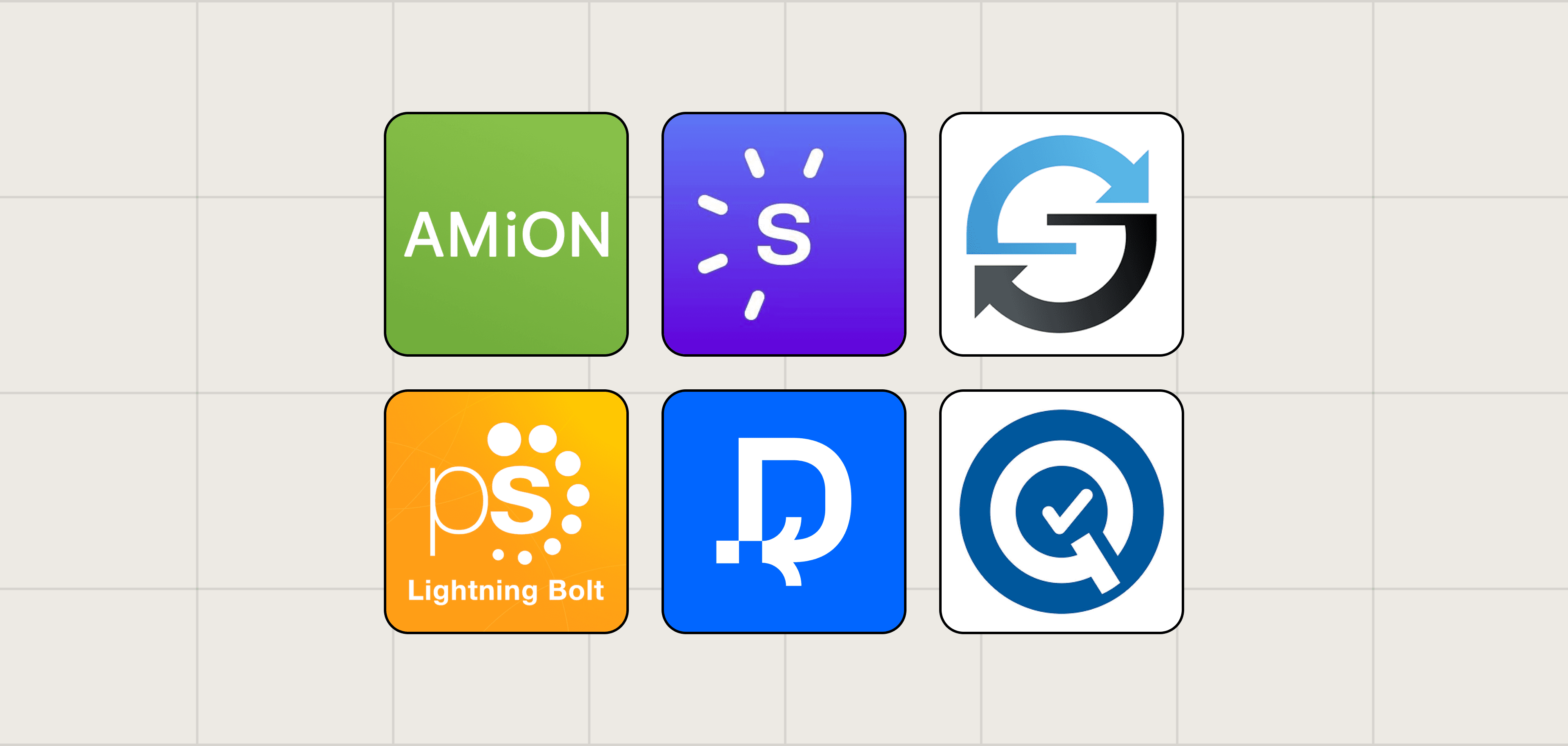
1. Durate
Scheduling Type: Dynamic
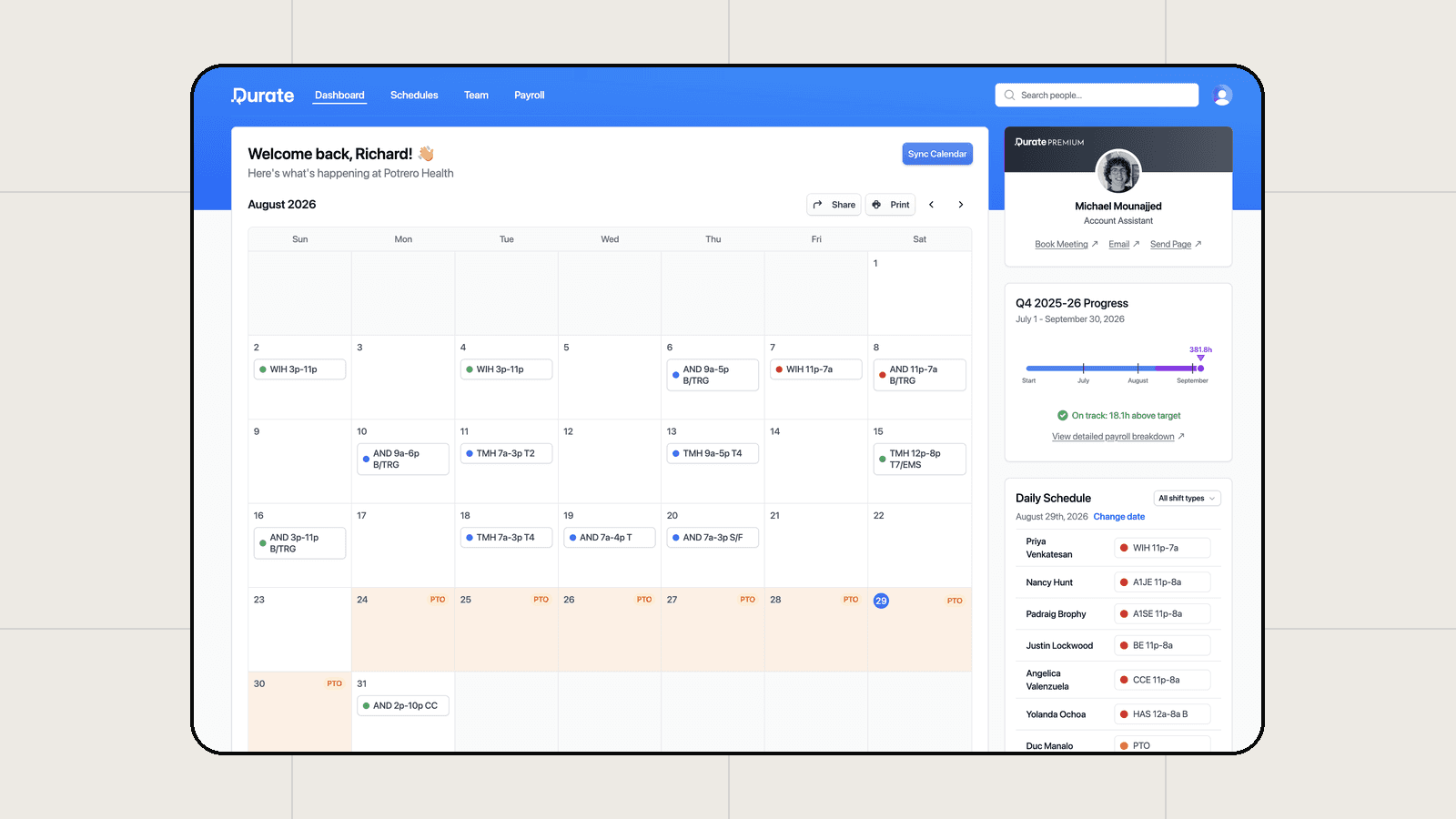
Best for medium and large multi-site and single-site provider groups whose hard problem is the schedule. Rules are written in plain English, generation is one click, and your own administrators change the rules.
Scheduling, payroll tracking, and analytics all run in one system. Setup takes 2 to 4 weeks, with simulations and any tests you want. When the program changes month to month, the change goes into the rules, not the schedule.
A few months live, the groups Durate has moved cite three things: generation that works, the mobile app, and how far the rules can be customized. Integrations, the worry in the demo, have worked in Durate’s deployments. Full detail in the Durate vs. QGenda comparison.
2. Lightning Bolt (PerfectServe)
Scheduling Type: Static, with services
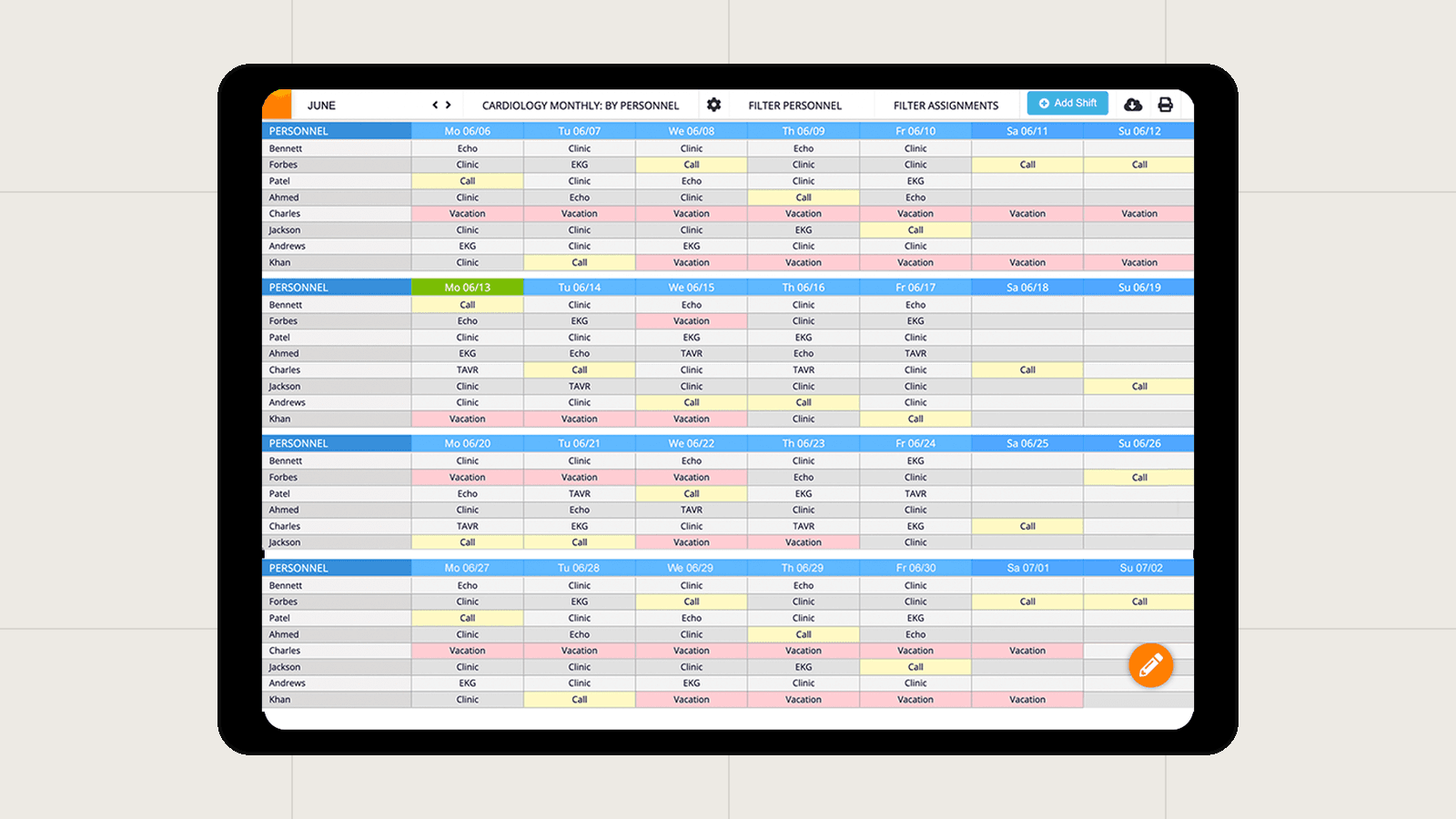
Best for health systems standardizing on PerfectServe end to end. Lightning Bolt has been PerfectServe’s scheduling product since 2019, inside a clinical communication platform, and its pricing is per seat and unpublished.
Full detail in the Lightning Bolt vs. Durate comparison.
3. ShiftAdmin
Scheduling Type: Static
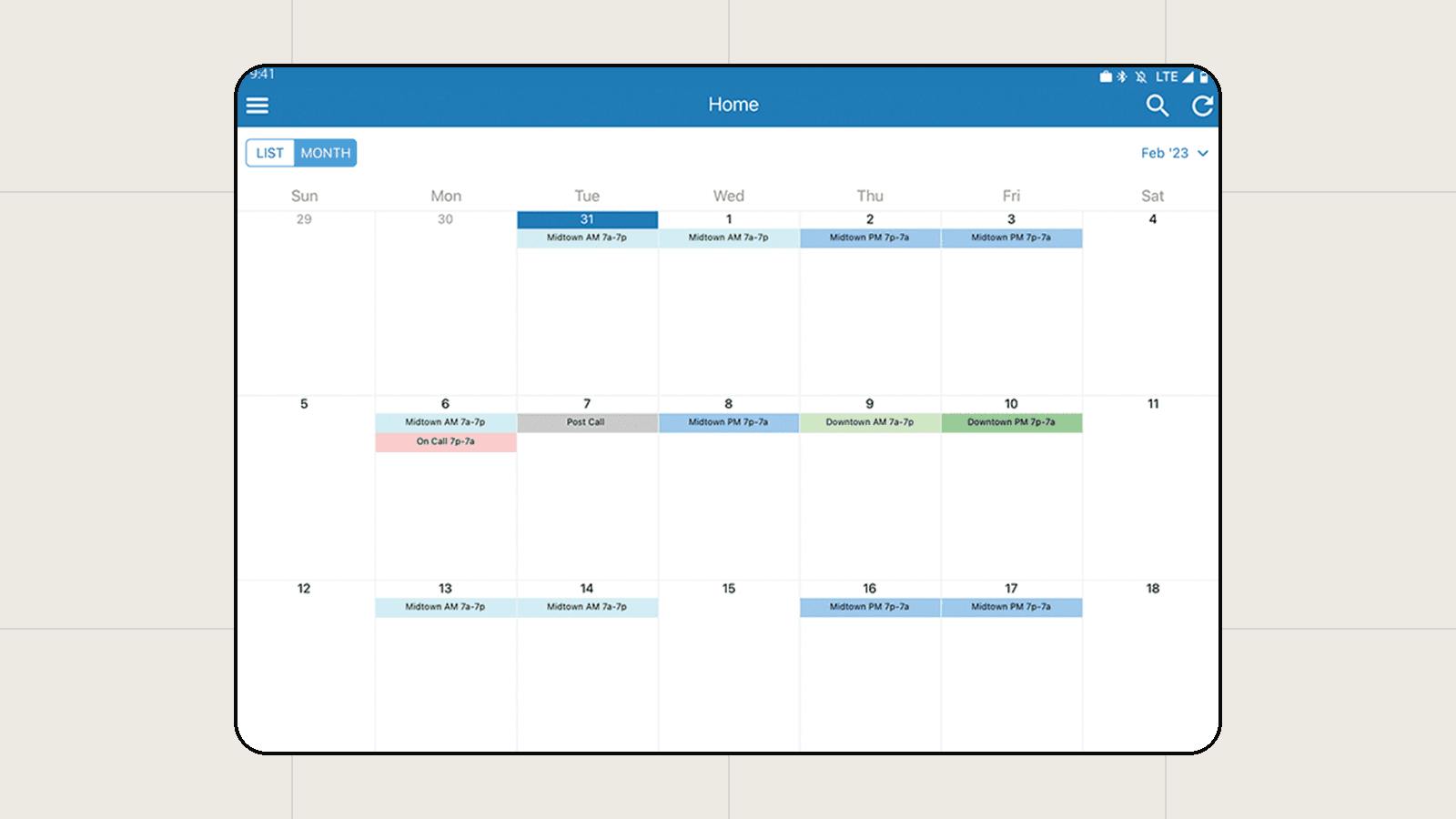
Best for a small single-site shift group with few changes in the program. It generates from customizable rules and user requests, and you resolve the conflicts by hand after.
Full detail in the Durate vs. ShiftAdmin comparison.
4. Amion (Doximity)
Scheduling Type: No automatic scheduling
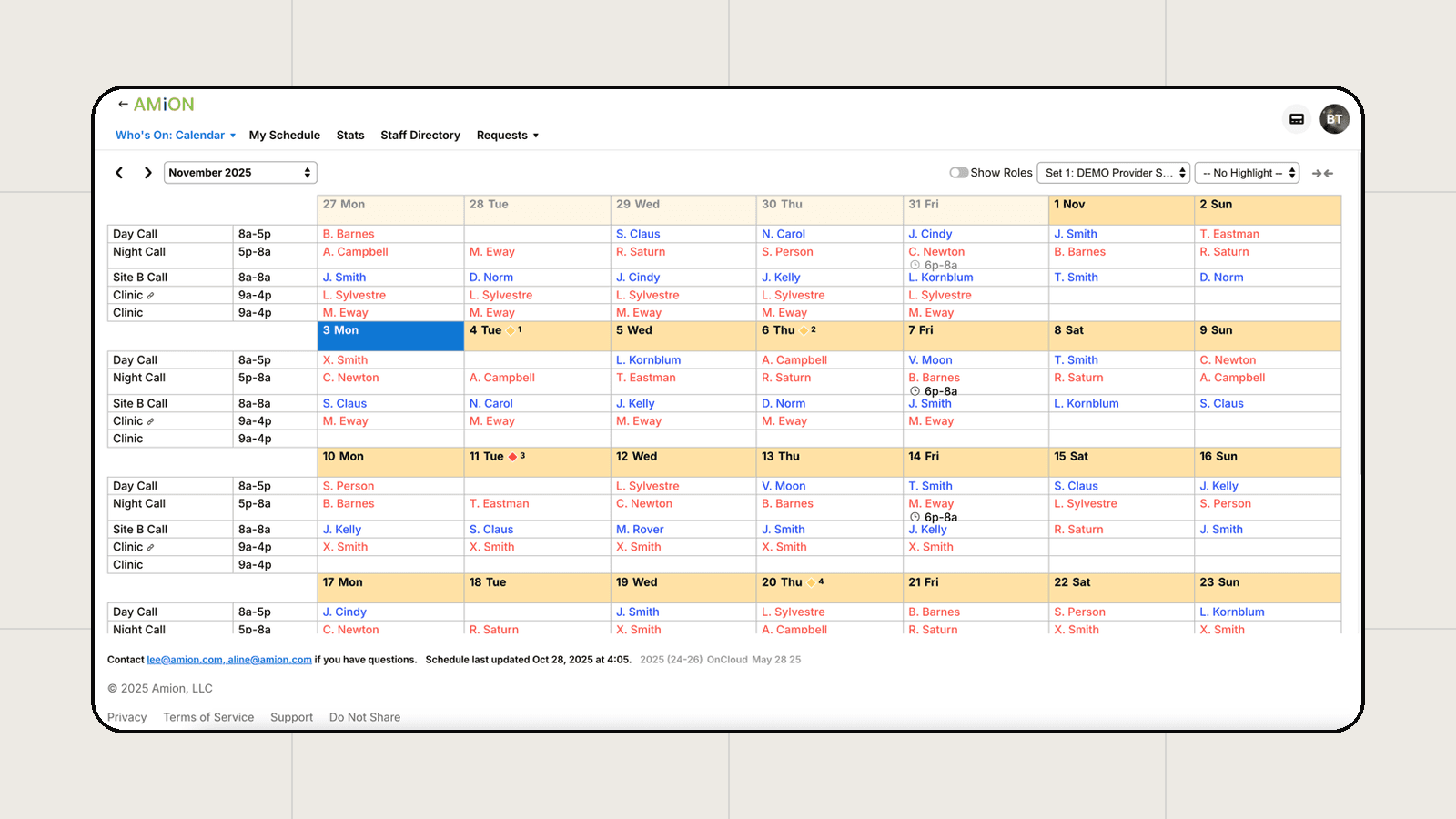
Best for a small single-site program: a few physicians, few changes, and a predictable structure. Part of Doximity since 2022, with Pro, Enterprise, and Residency tiers listed on its order page without published prices.
In the groups Durate has moved off Amion, the schedule was worked out by hand first and Amion held the result: data storage more than a frontline tool, which is why complex multi-site groups outgrow it.
5. Smaller specialists
Per their own sites: Intrigma (open-shift filling, with a free tier), ByteBloc (scheduling emergency providers since 1989), and Petal Health (Canada, 97,000+ healthcare professionals).
Durate vs. QGenda at a glance
Durate is the alternative this guide comes from, so here’s the direct comparison. Where a detail is not publicly documented, the table says so.
| Durate | QGenda (Hearst Health) | |
|---|---|---|
| Best for | Medium and large provider groups, especially multi-site whose programs change month to month and are looking for a consolidated automated system. | Organizations whose hard problem is credentialing or room and capacity management rather than the schedule, or whose program rarely changes. |
| How it schedules | Dynamic. Rules in plain English, one-click generation, and the system autoadjusts so schedules come out 100% done. | Static. Rules-based automated generation, and in the groups Durate has moved, the output was finished by hand after generation. |
| Who owns the rules | Anyone on your team, and get help from Durate experts anytime. | Hard to adjust yourselves: QGenda’s implementation consultants configure them, and you depend on its team for changes. |
| Implementation | 2 to 4 weeks, with simulations and any tests you want before go-live. | Performed by QGenda’s professional services team. |
| Pricing | No published list. You get a real number on the first call, sized to your group. | No pricing published, just custom quotes through sales. The groups that call Durate about it describe the cost as very high. |
| Ownership | Independent scheduling-first company (Bonfire Platforms Inc.). | Part of Hearst Health (sale announced August 2024). QGenda itself owns ShiftAdmin. |
Should you switch off QGenda?
Switching is not a simple yes or no. It depends on how much of the suite you run, who owns the rules today, how many hours go into patching each cycle, and how many sites the schedule spans. In the groups Durate has moved, the search starts with a transition, an acquisition or a merger, and ends at a breaking point where the administration team says “we can’t do this anymore.”
If your hard problem is credentialing or room and capacity rather than the schedule, and your program rarely changes, staying is the right call.
If you’re a physician group and the schedule itself is the hard problem, one simple test decides it: how long you spend adjusting the schedule after it has been generated. 30 minutes or more each cycle, and you’re running a static workflow, whatever the engine underneath.
Rule ownership is the most critical factor. Changes arrive from both sides, a physician with an emergency at home or the hospital changing coverage on certain shifts, and none of them are permanent rules. A scheduler your administrators can adjust themselves absorbs those changes. One they can’t adjust turns each of them into a hand edit.
Tips for switching:
- Reproduce your rules, not your workarounds. The old system’s patches are not requirements.
- Prove payroll matches before anything is retired. Hours, incentives, and per diem spend should reconcile against the last cycle.
- Review your contract’s data terms. QGenda publishes a REST API covering schedules, assignments, and personnel, so your current state exports. Your timeline still starts with your agreement’s notice terms.
- Run the same test on every vendor. Durate included: change one person for one month and watch whether the published schedule regenerates or waits for a hand edit.
- Get a real number early. Ask each vendor what is scheduling-only versus bundled. Durate gives a number on the first call, sized to your group.
How much does QGenda cost?
QGenda doesn’t publish pricing: it sells through custom quotes, no public source documents what a specific group pays, and the groups that call Durate about it describe the cost as very high.
When you get a quote, ask which modules are included, what implementation services cost, and what happens as your provider count grows. Durate’s approach is on its pricing page.
QGenda vs. Durate: which is best?
Choose QGenda if credentialing or capacity is your hard problem and the schedule is not, or if your program rarely changes.
Choose Durate if scheduling is the product you’re buying, your providers’ experience in the app matters, you want to go live in 2 to 4 weeks with the rules proven before the first real schedule, and your administrators will change the rules themselves.
Whichever way you lean, time the adjustments first. That tells you more than any feature list. For what to look for beyond that, read the guide to dynamic physician scheduling.
Frequently asked questions
Who are QGenda’s competitors?
In physician scheduling specifically: Durate (the specialist for medium and large multi-site and single-site provider groups), Lightning Bolt by PerfectServe (for health systems standardizing on PerfectServe), Amion by Doximity (the simple option), and smaller specialists like Intrigma, ByteBloc, and Petal Health. ShiftAdmin is sometimes listed as a competitor but has been owned by QGenda since 2021.
What is the best QGenda alternative for physician groups?
It depends on your shape. If you’re a medium or large provider group, multi-site or single-site, whose hard problem is the schedule itself, Durate fits best. If you’re a health system already on PerfectServe’s communication platform, Lightning Bolt fits. A smaller single-site program with a simple schedule can run on Amion. There’s no single best, just a best for your size and complexity.
Why do groups switch from QGenda?
The groups calling Durate about QGenda describe it as an expensive spreadsheet: the scheduler has taken back most of the steps and is joining the pieces by hand, the rules are hard to adjust without QGenda’s consultants, and the cost is very high. Underneath that, the reason is fit. QGenda is built around its other modules, and the question is whether the schedule is your hard problem.
Is QGenda easy to use?
The groups calling Durate describe assembly work by hand on the administrator side, and QGenda’s own published approach has its implementation consultants configuring the rules and its technical account managers optimizing the configuration after go-live. Read recent reviews from both administrators and providers before you decide.
Is QGenda a software?
Yes. QGenda is cloud-based healthcare workforce management software, sold as the ProviderCloud suite: scheduling, credentialing, on-call, room and capacity management, time and attendance, and residency program management. It has been part of Hearst Health since the acquisition announced in August 2024.
How much does shift admin cost?
ShiftAdmin does not publish pricing. Since QGenda acquired it in January 2021 it has been sold through QGenda’s sales process, so expect a custom quote rather than a price list. No public source documents specific figures.
What is the best scheduling software for medium and large multi-site and single-site provider groups?
Multi-site groups need hours tracked accurately as providers move between sites, one system spanning every site, and one source of truth from scheduling through payroll. Before Durate, the multi-site groups we’ve switched handed each site to its own administrator, so nobody held the whole picture. Durate is built for that shape of group.
Does Durate integrate with Epic?
Yes. Durate integrates with EHR and payroll systems including Epic, Oracle Cerner, and ADP.
How long does Durate take to implement?
2 to 4 weeks. Durate sets the system up with your team, runs simulations and any tests you want to see, and hands it back ready to run, with your administrators owning rule changes from day one.
Can a small single-site group use Durate?
It depends on the schedule more than the headcount. Durate earns its keep where complexity lives: multiple sites, floating providers, one system spanning every site. A small single-site group with a simple schedule may do fine on a lighter tool, and we’ve said that to groups before. Book a call and we’ll walk through yours and tell you either way.